


.svg)


 Garantía de entrega






Artículo: AMZ-B0FX53LVF6
Clariviews
VHS to DVD Recorder, VCR to DVD Recorder-Convert Photos and Videos Between VHS,VCR,Memory Card,DVD and USB. Phone can use a Free app to Burn Videos and Photos, Also has TV Recording Function
Color:
Black
Disponibilidad
En stock
En stock
Peso con empaque
0.76 kg
0.76 kg
Devolución
Sí
Sí
Condición
Nuevo
Nuevo
Producto de
Amazon
Amazon
$503,98
44% OFF
$279,99
IMPORT EASILY
By purchasing this product you can deduct VAT with your RUT number
$503,98
44% OFF
$279,99
Envio incluido
 Llega en 5 a 12 días hábiles
Con envío
 Tienes garantia de entrega
Este producto viaja
de USA ![]() a tus manos en
a tus manos en
![]()
 a tus manos en

Conoce más detalles
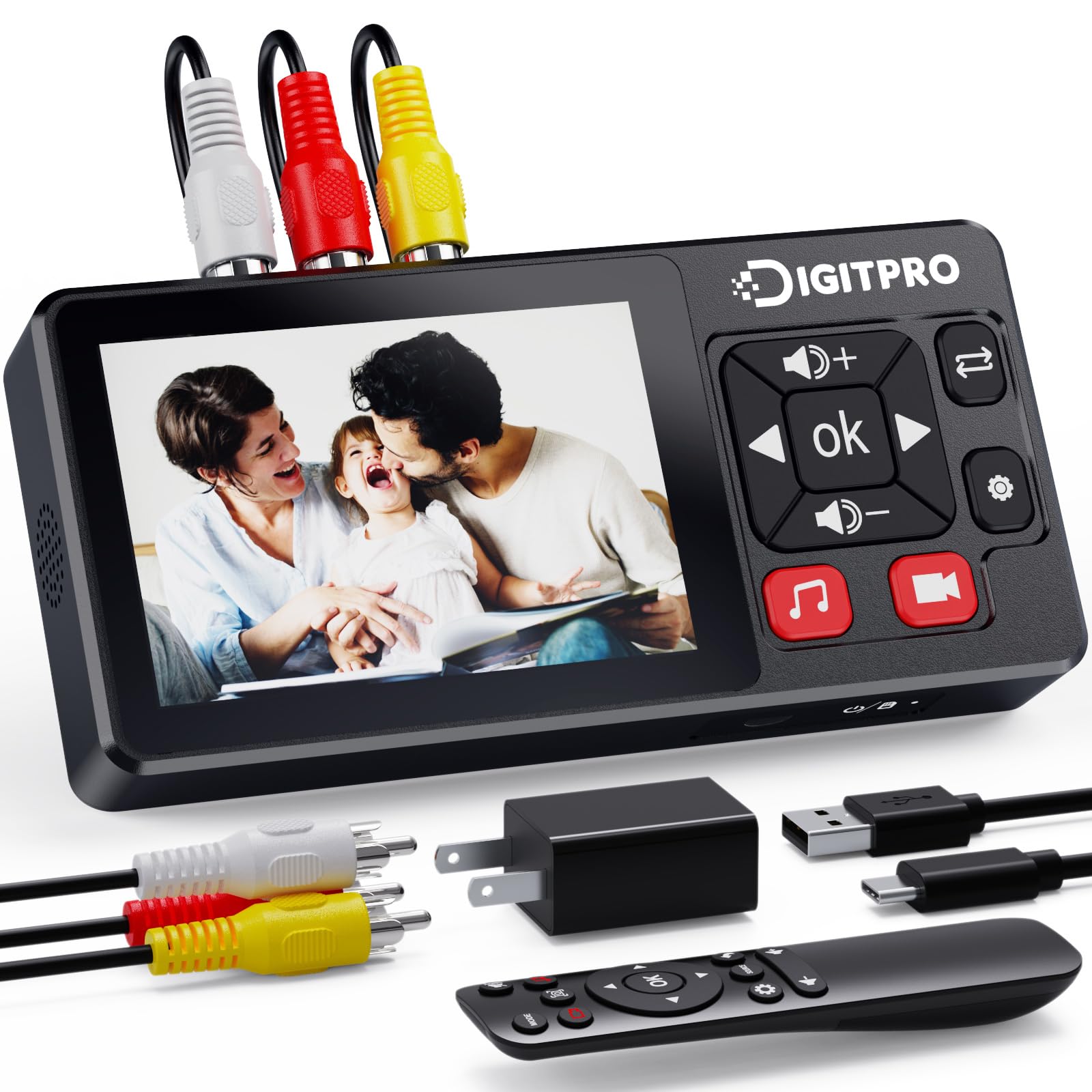
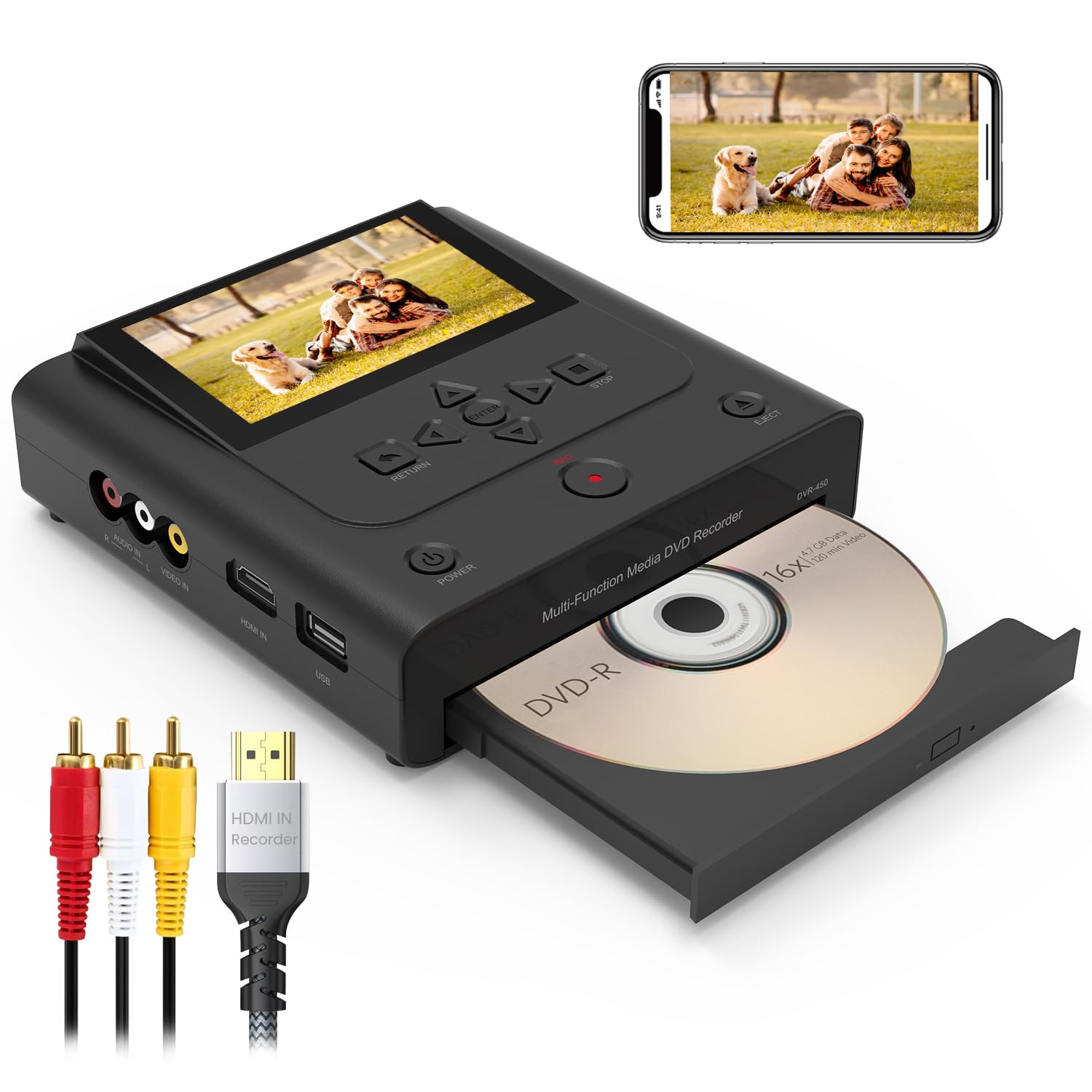
【Main functions】The Clariviews multifunctional DVD Recorder can recorde videos and photos from VCRs, DVD players, VHS players, camcorders/vintage cameras, smartphones, and Apple TVs. It can convert videos and photos to DVD without PC. The newly added HDMI input interface supports direct reception of digital signals from HDMI output sources (such as Apple TV, streaming devices, etc.), further expanding device compatibility.Supports wide compatibility with all major disc formats, including DVD+RW/R-RW/R, DVD+R DL, CD/RW/R-RW/R 【What You Get】DVD Recorder x1,Power Adapter x1,HDMI cable, AV cable,User Manual x2 with a hassle-free 1-year warranty and lifetime te【NOTE!】 There is no disc in the packaging. If you need to burn the video onto a DVD, you need to purchase the disc yourself first. Additionally, this machine is unable to play VHS tapes.chnical support. Reach out to our friendly customer service for any questions. 【USE App Transfer】We also have the function of mobile phone transfer, just download the "Friendly Memories" application (free) from the Google Play Store. After installation, connect to WIFI to quickly transfer photos and videos to USB, SD cards, and CDs. 【Preview and Play】The machine is equipped with a 4.3-inch LCD screen and has added a 3.5mm headphone jack. This allows you to preview standard definition videos when burning videos. In addition, the machine can output to an external monitor or TV via HDMI to play DVDs (supporting up to 1080p) 【Broad Compatibility】Supports recording video or photos for VHS Player,DVD Player ,Mobile Phone,Apple TV,Camcorder,Hard Disk,DVD-R/RW, Flash Drive and Laptop/PC. 【NOTE!】 There is no disc in the packaging. If you need to burn the video onto a DVD, you need to purchase the disc yourself first. Additionally, this machine is unable to play VHS tapes.
Compra protegida
Disfruta de una experiencia de compra segura y confiable
![]() Garantía de entrega
Garantía de entrega
Con Tiendamia todas tus compras cuentan con Garantía de Entrega o devolución total de tu dinero.
Compras 100% seguras y garantizadas, para que pidas lo que sueñas y lo recibas del mundo a tu puerta.
Tarjetas de Débito y Crédito

Visa

Mastercard

American Express

Dinners

Discover

Alias
Pagos a través de PayPal
Compra procesada en dólares con dinero en cuenta o tarjetas internacionales.

PayPal

